Skip to content

Tools

Screen Ruler

Measure pixels on Windows and Mac. Download from GitHub.

A translucent ruler for Windows and Mac. Measure a width, a height, or a marked area in pixels while the screen underneath stays visible.

Windows 10 or 11, 64-bit. No extra runtime and no administrator password. The first download shows “Windows protected your PC”. Choose More info, then Run anyway.

On a Mac, unzip the download and move Screen Ruler to Applications. The first time, Control-click the app and choose Open. macOS says it is from an unidentified developer because the app is not notarized.


Horizontal ruler on a dark glass background, reading 1088 px
Horizontal ruler, dark glass. The number in the middle is the length. The hairline follows the pointer.
Horizontal ruler with light ticks, reading 1088 px
The same ruler with light ticks.
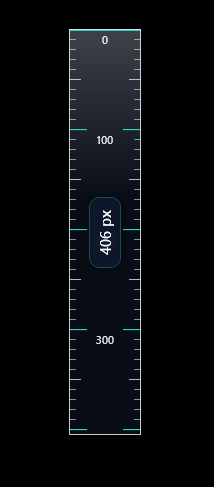
Vertical ruler reading 406 px
Flip it to measure height.
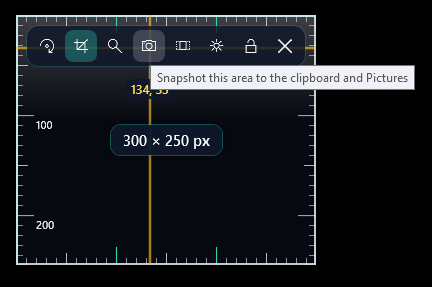
Area marker at 300 by 250 px, with the snapshot button
Mark an area, then snapshot it. The picture is copied to the clipboard and saved under Pictures\ScreenRuler.
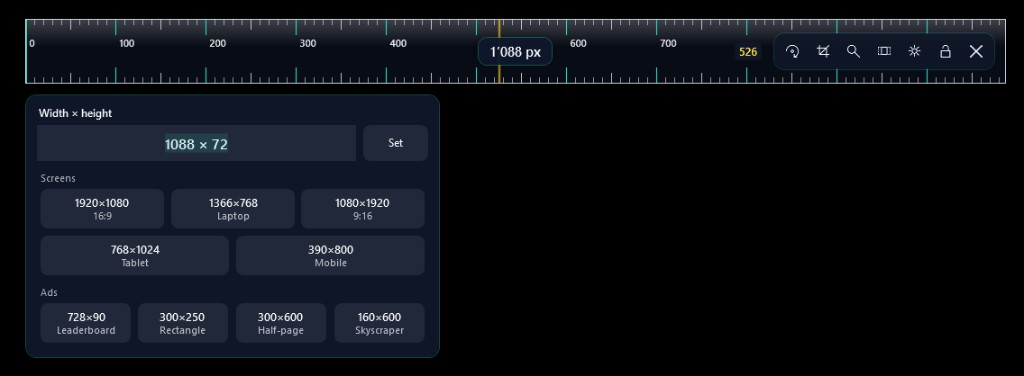
Size picker with screen and ad presets
Double-click the size to type a width and height, or pick a screen or ad preset.